MUBVIEW Wireless Chime, Indoor Chime for J7, J9 and J9Plus Wireless Video Doorbell
New/Like New

Compare with Amazon
View on Amazon →
MSRP: $19.99
1 / 2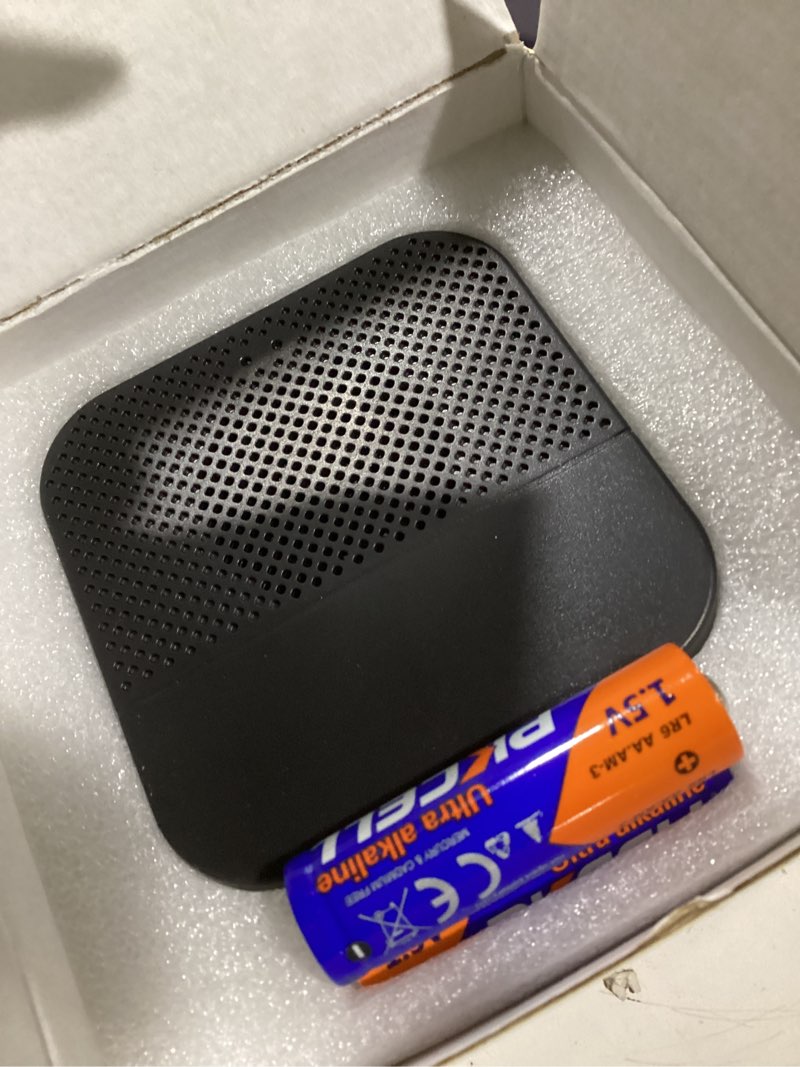
Click image to view full size
How to connect the Chime? 1. Click reset button Click RESET on the chime, and the chime indicator on the left will flash red for 20 seconds, indicating that the chime is in pairing mode. 2. Press your doorbell to pair up Press the doorbell button to send a pairing signal, and your chime will sound to react, together with its blue LED flashing. Chime pairing succeeds. How to set chime? 1. Chime settings 1) Ringtone selection 2) Click change ringtone (4 ringtones available) 3) Volume control button ? Level 1: 110 dB; ? Level 2: 100 dB; ? Level 3: 90 dB; ? Level 4: 80 dB How to set up? Click to enter/quit pairing mode; Press & hold 5 seconds to restore factory defaults
Price Analysis
Sign in to unlock bid recommendations
Get personalized bidding strategies, value scores, and max bid recommendations based on real market data.
Sign InCompetition Level
-
Compare with Amazon
View on Amazon →
MSRP: $19.99